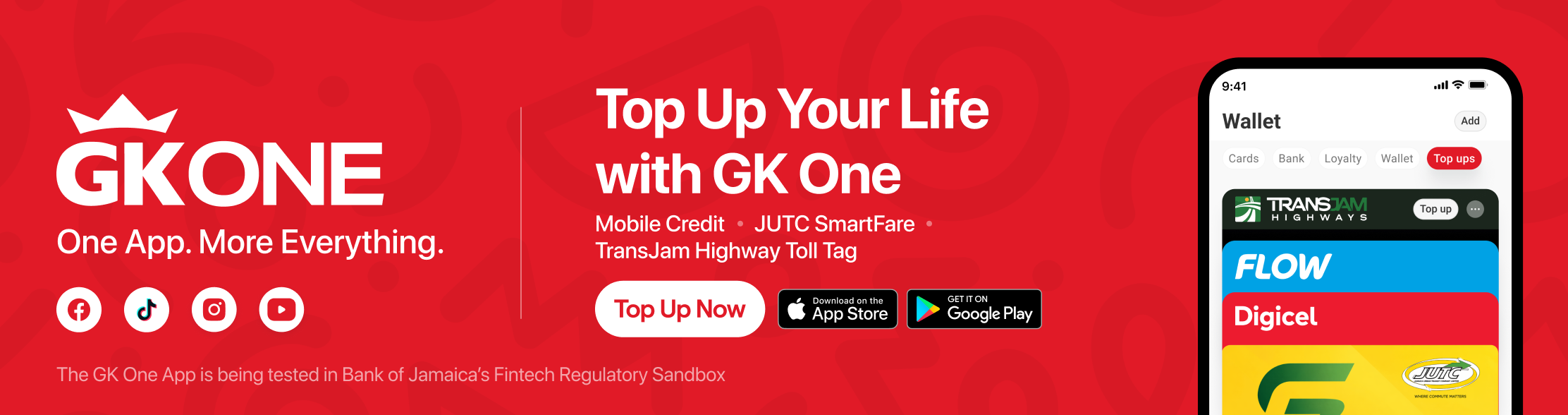
Top Up Your Life with GK One
Stay connected and keep moving with quick, convenient top-ups in GK One. Buy mobile credit for yourself or someone else, add value to a JUTC SmartFare card, or top up a TransJamaican Highway toll t-Tag—all from your phone.
■ Top up mobile credit, JUTC SmartFare or a TransJamaican Highway toll T-Tag.
■ Get it done from your phone—wherever you are.
■ Review your details before you pay and get confirmation in the app.
Ways to Use GK One Top-Ups
Mobile Credit.
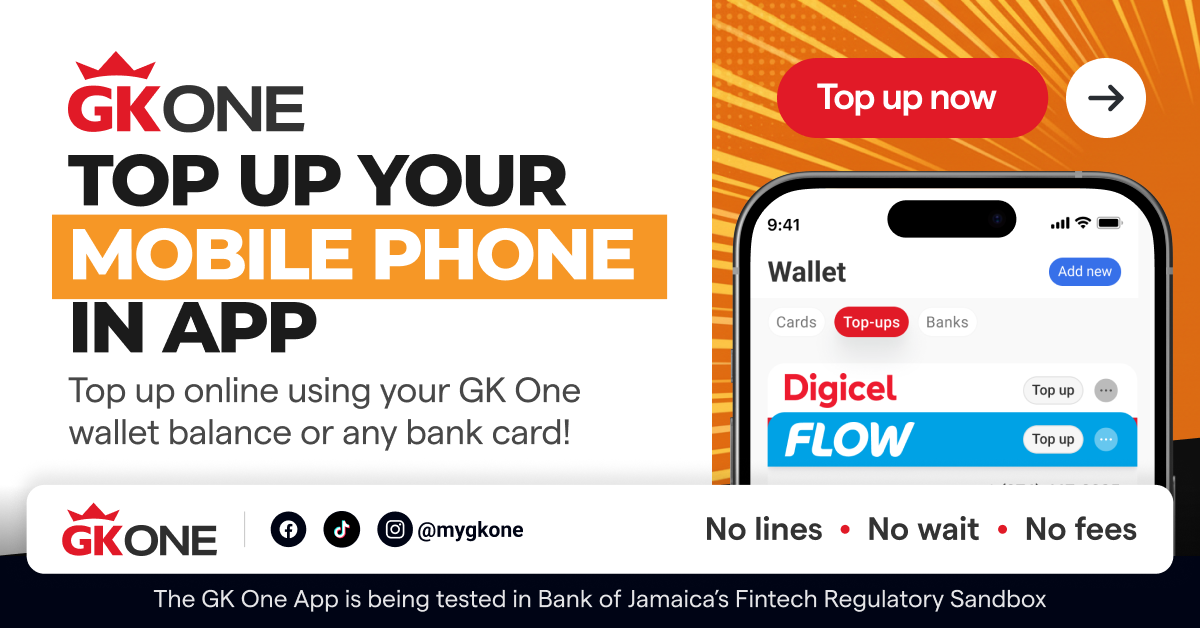
Keep yourself—or someone you care about—connected. Enter the prepaid card number (either Flow or Digicel), select the amount, verify details, then pay securely in the app.
Top Up Mobile CreditJUTC SmartFare Card
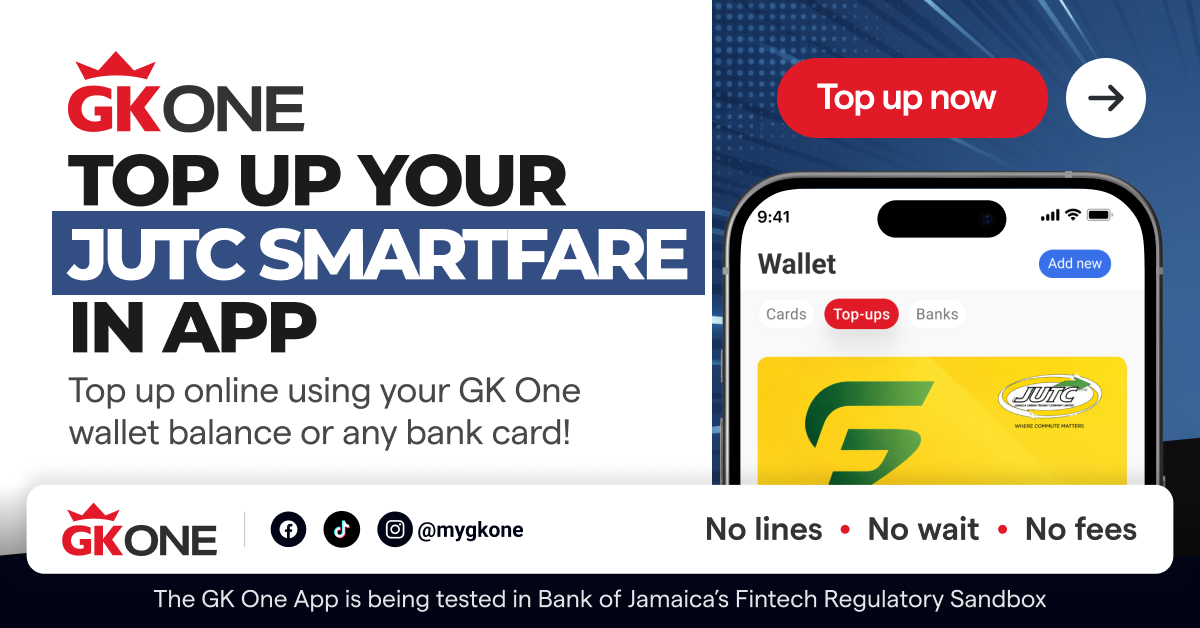
Keep moving while you top up your JUTC SmartFare card from anywhere, at any time. Follow the simple on-screen instructions to get the card ready for your next commute.
Top Up SmartFareTransJamaican Highway Toll T-Tag
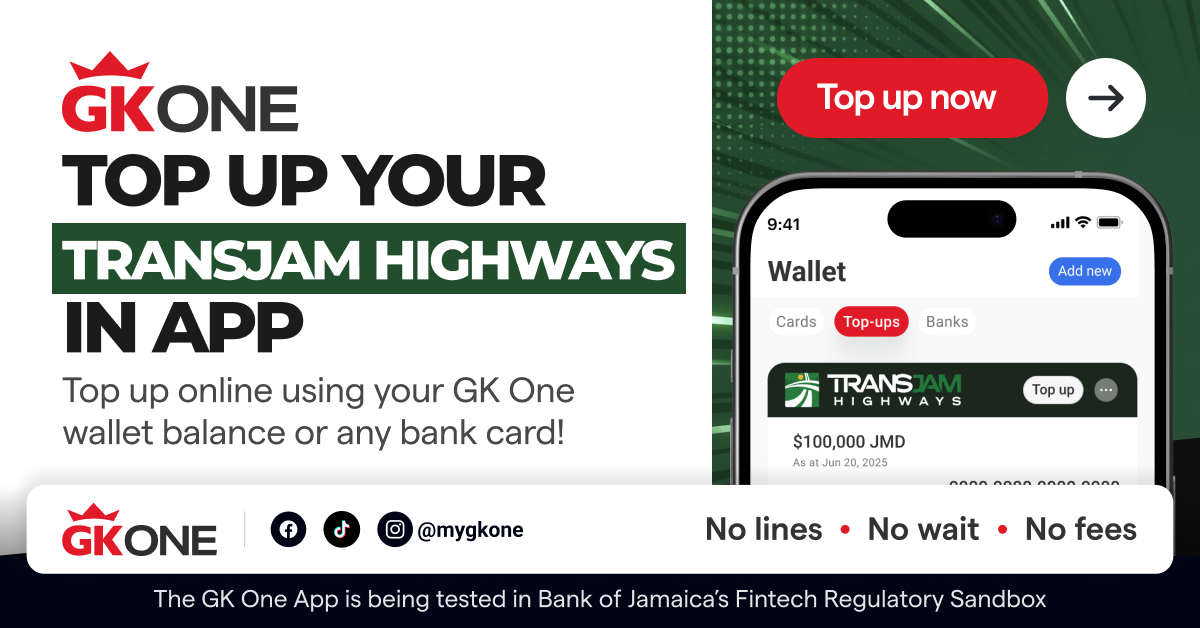
Top up your TransJamaican Highway toll T-Tag before you hit the road. Enter the account details, choose an amount and confirm your payment- use your GK One balance or any bank card added to the app.
Top Up Toll CreditTop Up for Someone Else
Sending a top-up to family or friends? Simply enter their eligible mobile, SmartFare or toll account details, check that everything is correct and complete your payment. They get the update in minutes!
Top Up a FriendHow It Works
Open GK One
Sign in and tap Payments >> then Top Ups.
Choose what you want to top up
Select Mobile Credit, JUTC SmartFare or TransJamaican Highway toll t-Tag.
Enter the details
Add the requested account information and choose your top-up amount.
Check and confirm
Review the information, complete your payment and look out for your confirmation in the app.
Simple Steps. Clear Confirmation.
You’re always in control. Review the service details and top-up amount before you pay, and check that the phone number, card number or toll account information is correct. Service availability, limits, processing times and fees may vary.
Ready to Top Up?
Download or open GK One to top up mobile credit, JUTC SmartFare and toll credit—all from your favourite app.